Times Table Practice is the simplest way on this site to work through one times table at a time. You choose a table from 1 to 12, then answer its twelve facts, from 1 times the number up to 12 times the number. Times Table Practice gives instant feedback on every answer, shows the correct fact when you slip, and finishes with a star rating and a list of the facts that still need work.
How to Play Times Table Practice
The menu shows twelve table buttons and one Mixed tables button. Under each button you will see the stars you have already earned, so it is easy to spot the tables you have not tried yet. Above the buttons, choose In order to get the facts from × 1 up to × 12, or Shuffled to get the same twelve facts in a random order.
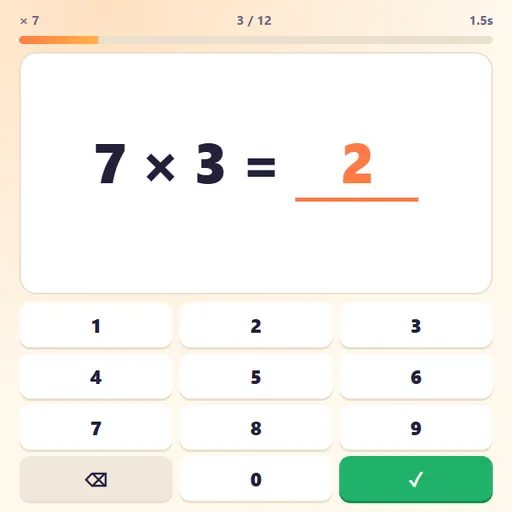
Each question appears in large type, such as 7 × 4 = __. Type the product with the keypad or your keyboard, then press the green check or Enter. A correct answer moves on after a short pause. A wrong answer shakes the card and shows the real fact for a moment, so you see the right answer straight away instead of guessing again.
A progress bar and a timer run along the top. When you finish, the results screen shows your score out of 12, your time, your star rating and every fact you missed.
Times Table Practice Controls
| Action | Keyboard | Mouse | Touch |
|---|---|---|---|
| Choose a times table | — | Click a table from × 1 to × 12, or Mixed tables | Tap a table button |
| Type your answer | Number keys 0–9 (Backspace deletes) | Click the on-screen keypad | Tap the on-screen keypad |
| Check the answer | Enter | Click the green check button | Tap the green check button |
| Return to the table menu | Escape | Click "Choose a table" on the results screen | — |
A Practice Plan That Works
Short, frequent rounds work better than one long session. Here is a routine that fits into five minutes a day:
- Warm up with a known table. Start with × 2, × 5 or × 10 to build confidence.
- Learn one new table in order. Repeat it until you earn three stars.
- Switch the same table to Shuffled. This removes the counting crutch.
- Finish with Mixed tables. One round shows which older facts are slipping.
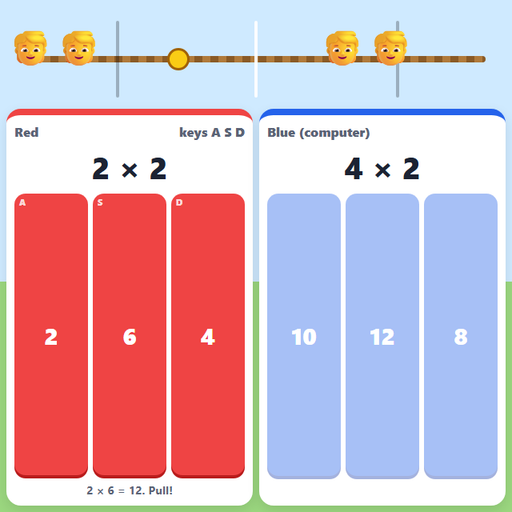
Write the missed facts from the results screen on a sticky note and look at them before the next session. Once a table earns three stars in Shuffled order, check it against the clock in Multiplication Balloon Pop, or see where it sits on the full multiplication chart on Multiplication.com. Most learners find that only a handful of facts, often 6 × 7, 7 × 8 and 8 × 9, cause most of the mistakes.
Features
- Every table from 1 to 12, plus a mixed round that draws from tables 2 to 12.
- Two question orders for learning a table and then checking real recall.
- Big keypad sized for small fingers on phones and tablets.
- Saved stars and best times for each table, kept on your device.
- No sound, ads or sign-up, so it works well in a classroom or at the kitchen table.
Tested and updated: